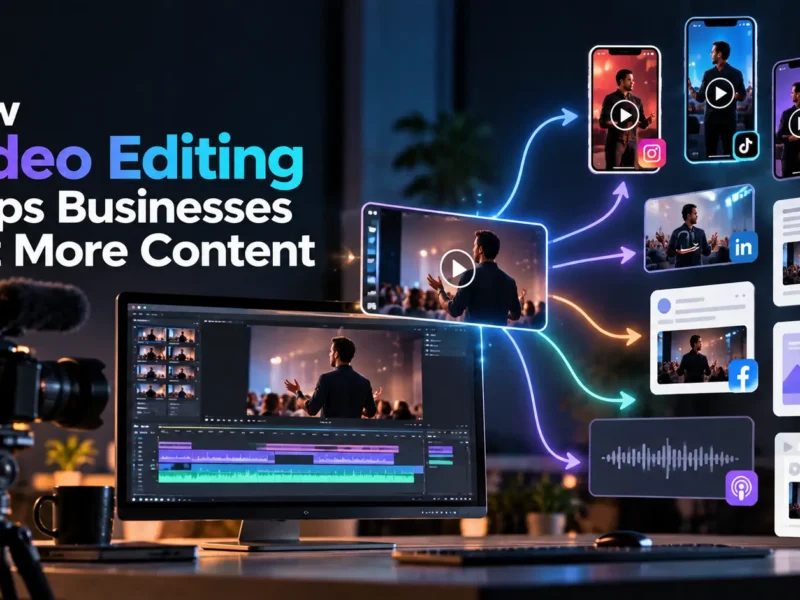
How to Turn One Long Video Into 10+ Short Videos
 By Techspeak Team
October 15, 2026
10 min read
By Techspeak Team
October 15, 2026
10 min read
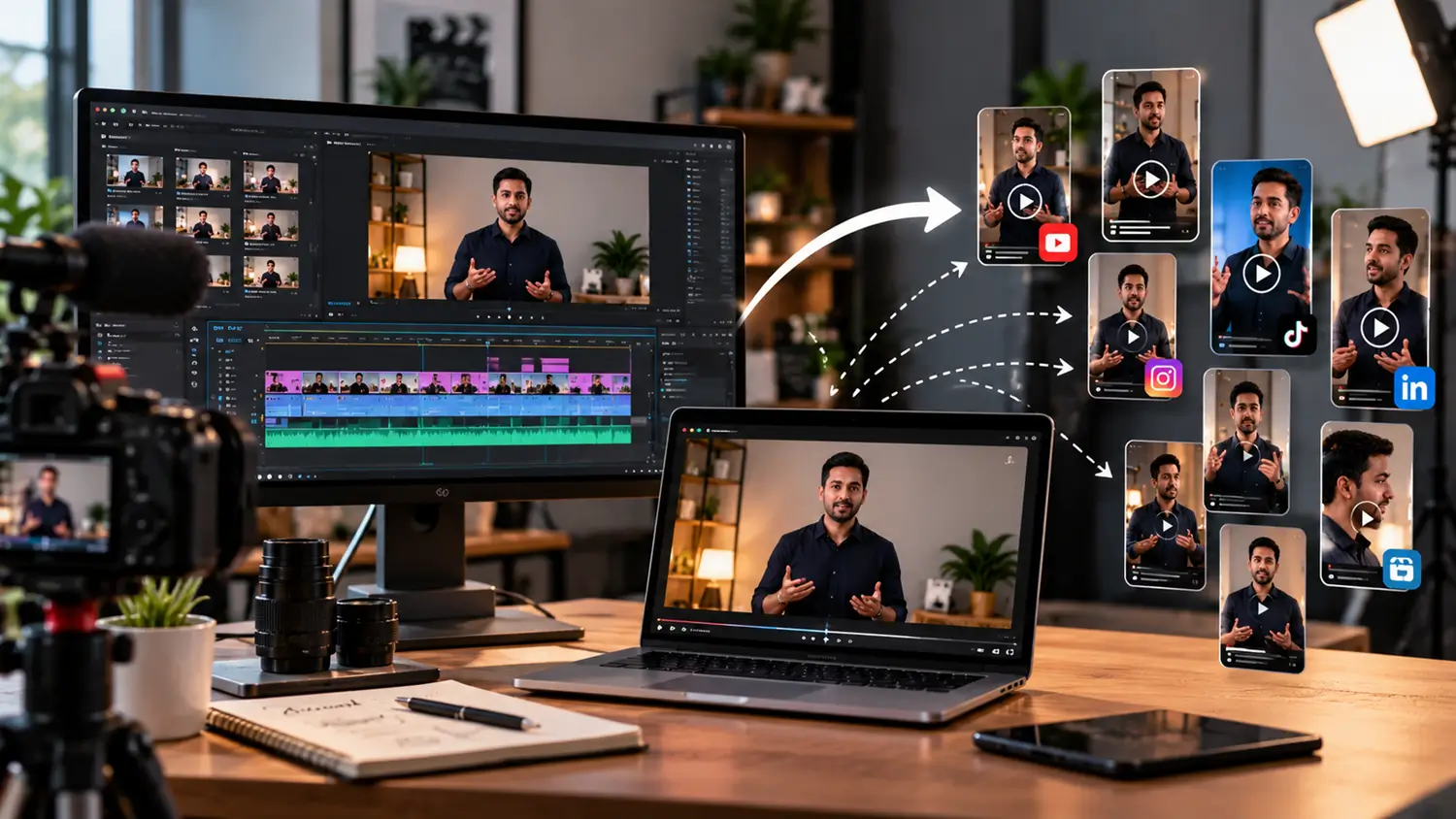
To turn one long video into multiple short videos, review the full recording (a transcript helps), mark the self-contained moments that each make one clear point, and cut each into its own clip with a strong opening, captions and your branding. Then reframe and export each clip for the platforms you use. A webinar, podcast or interview of 30–60 minutes can often yield ten or more clips this way.
Most businesses already have long-form footage: webinars, podcast episodes, interviews, product demos, training sessions and conference talks. Much of it is published once and forgotten. This guide shows a practical workflow for pulling short videos out of that footage, how to choose the best moments, how to adapt clips for different platforms, and where AI tools help and where a human editor still matters.
Why repurpose long-form video?
- You have already done the expensive part. Planning, recording and speaking are done. Repurposing gets more use out of that effort.
- Different people watch in different ways. Some prefer a full session. Others will only watch a 30-second clip in a feed.
- Consistency becomes easier. One recording can supply content for weeks instead of a single post.
- Strong ideas get found. A good point buried at minute 37 of a webinar is invisible. As a standalone clip, it can be seen.
- It supports your wider strategy. Clips can point back to the full video, a service page or a sign-up.
If you want the bigger picture of why editing matters for business content, read How Professional Video Editing Helps Businesses Get More From Their Content.
What can you extract from one video?
Here are ten types of clip that most long videos can supply. You will not find all ten in every recording, but looking for them makes the process systematic:
- Key insight: the single most useful idea in the video
- Myth-busting moment: where the speaker corrects a common misconception
- Step-by-step tip: a short how-to the viewer can use immediately
- Story or example: a client situation or real scenario (with permission)
- Question answered: a viewer or interviewer question and the direct answer
- Opinion or prediction: a clear, quotable point of view
- Behind-the-scenes moment: how something is actually done
- Definition or explainer: a term or concept made simple
- Trailer or highlight: a short teaser pointing to the full video
- Call-to-action clip: an invitation to the next step, such as booking a call or downloading a resource
A practical 10-step repurposing workflow
Step 1: Choose the right source video. Start with recordings where speakers make clear, self-contained points: webinars, interviews, podcasts, demos and training sessions. A rambling recording with no structure is harder to cut.
Step 2: Get a transcript. A transcript lets you scan the content quickly and search for strong lines. Review it, because automatic transcripts can get names, product terms and numbers wrong.
Step 3: Mark candidate moments. Read through the transcript and note timestamps for anything that stands alone: a clear answer, a story, a tip, a strong opinion. Aim for more candidates than you need.
Step 4: Sort by clip type. Group the candidates using the ten types above. This helps you publish a mix, not ten near-identical clips.
Step 5: Select the best ten or more. Use the criteria in the next section to cut your list down.
Step 6: Write the hook for each clip. Decide how each clip will open: the most interesting sentence, a question or a short on-screen title.
Step 7: Cut and reframe. Trim each clip to one idea and reframe it for the platform. Vertical formats usually need the speaker repositioned in the frame.
Step 8: Add captions and branding. Add reviewed captions, your logo and a consistent style so the clips look like they belong together.
Step 9: Export for each platform. Create the versions you need, and check each platform’s current specifications before exporting, because they change.
Step 10: Publish, track and learn. Schedule the clips, link them back to the full video or a relevant page, and note which topics and formats get the best response so the next batch improves.
How to identify strong clips
A clip that works usually meets most of these tests:
- It makes one point. If it needs two ideas to make sense, split it or skip it.
- It makes sense without context. A viewer who has not seen the full video should still follow it.
- It has a strong first sentence. The opening line should earn the next few seconds.
- It is useful, surprising or clearly opinionated. Neutral filler rarely performs.
- The audio and framing are clean. Poor sound can ruin a good moment.
- It ends cleanly. Cut at a natural stopping point, not mid-sentence.
- It matches something your audience cares about. Relevance beats cleverness.
Editing clips for different platforms
One edit rarely fits every channel. Adapt the same clip rather than posting it unchanged everywhere.
| Where it will be posted | What usually changes |
| Vertical short-form feeds (Reels, Shorts, TikTok) | Vertical framing, fast opening, large captions, tight length |
| Often works well with captions and a clear professional point; check whether square or vertical suits your audience | |
| YouTube | Shorts need vertical clips; longer highlight edits suit standard YouTube |
| Your website or landing pages | A clean widescreen or square clip placed beside relevant text |
| Email or sales conversations | A short clip linked or embedded to explain one idea quickly |
Platform specifications, length limits and best practices change often, so check each platform’s current guidance before you publish.
Adding captions, hooks and branding
Captions. Many people watch with the sound off, so captions often decide whether a clip is understood. Review them for names, product terms and numbers.
Hooks. The opening seconds matter most. Options include leading with the strongest sentence, starting with a question, or adding a short on-screen title that states the point.
Branding. Use the same fonts, colors, logo placement and end card across every clip. Consistency makes a set of clips look like a series and not a random collection.
Beyond clips: other assets from the same video
The recording can also supply written and visual content with very little extra work. Use these as a short add-on to your clips, not a replacement:
- Pull quotes for graphics or social posts
- A short written summary or post based on the transcript
- A carousel that turns three to five key points into slides
- Blog or newsletter material drawn from the strongest section
- A resource list or checklist if the video walks through steps
Example workflow on a real video
Source video: Long-form podcast interview with a well-known finance professional working closely with women in rural India to create economic opportunities and empower communities.
Length: 45 minutes
Clips identified: 10 short-form clips
| # | Time | Clip hook | Clip type | Platform | Format |
|---|---|---|---|---|---|
| 1 | 03:20–05:05 | “I left one country behind, but the calling followed me home.” | Personal story / Origin story | Instagram, LinkedIn, YouTube Shorts | 9:16 |
| 2 | 06:10–07:35 | “What brought me back to India after building a career abroad?” | Career journey / Emotional | Instagram Reels, YouTube Shorts | 9:16 |
| 3 | 12:15–13:45 | “We were building a business nobody else wanted to build.” | Business challenge | LinkedIn, Instagram, YouTube Shorts | 9:16 |
| 4 | 15:00–16:30 | “One lantern. One village. And eventually, 4.3 million homes.” | Impact story / Business milestone | Instagram, YouTube Shorts | 9:16 |
| 5 | 17:20–18:50 | “The biggest lesson rural India taught us about building a business.” | Business insight / Leadership | LinkedIn, Instagram | 9:16 |
| 6 | 23:10–24:45 | “Rajasthan showed up. She made it.” | Achievement / Highlight moment | Instagram Reels, YouTube Shorts | 9:16 |
| 7 | 25:00–26:20 | “What does it feel like to take a Rajasthan story to the national stage?” | Achievement / Emotional story | LinkedIn, Instagram | 9:16 |
| 8 | 31:40–33:15 | “This was never just about building a company.” | Vision / Purpose | LinkedIn, Instagram, YouTube Shorts | 9:16 |
| 9 | 35:10–36:50 | “When you empower one woman, the impact doesn’t stop with her.” | Women empowerment / Social impact | Instagram, LinkedIn, YouTube Shorts | 9:16 |
| 10 | 40:20–42:15 | “From a company to a movement — what comes next?” | Future vision / Closing thought | LinkedIn, Instagram, YouTube Shorts | 9:16 |
What we learned from this exercise
- A 45-minute podcast can realistically produce around 8–12 strong short-form clips, but not every minute contains a usable standalone moment.
- The strongest clips were not necessarily the biggest business milestones; personal stories, strong opinions, and specific impact numbers created better hooks for short-form content.
- The hardest clips to identify were the ones that could stand alone without additional podcast context. Those required tighter editing, a stronger opening hook, captions, and sometimes a short setup line before the guest’s answer.
Where AI helps and where a human editor matters
AI tools can speed up parts of repurposing. They are useful for:
- Generating transcripts and captions
- Suggesting possible clip moments
- Reframing a widescreen shot for vertical
- Producing rough first cuts
They generally still need a person for:
- Judging which moments are genuinely good, not just loud or fast
- Checking accuracy of names, claims and numbers
- Protecting context, so a clip does not misrepresent what was said
- Keeping the brand and tone consistent
- Making the final cut feel intentional
Tools change quickly, so check what a tool can currently do before you rely on it.
| Manual | AI-assisted | Professional editing workflow | |
| Speed | Slowest | Fastest for first drafts | Moderate, with planned turnaround |
| Judgment on best moments | Depends on your team | Limited; needs review | Built into the process |
| Consistency across clips | Varies | Varies | Planned from the start |
| Best for | Occasional, low-volume use | Quick drafts and captions | Regular, brand-sensitive output |
When to get help managing the process
Repurposing in-house works well at low volume. It becomes harder when you record regularly, need several formats from each recording, or want consistent quality without taking time from your team. If that sounds familiar, TechSpeak’s video production services cover production and editing, and the same footage can be turned into a planned set of clips. If you are weighing outside help against hiring, see our guide to in-house editors vs agencies (link when live).
Have long videos sitting unused? Book a 30-minute strategy call and we will look at what you have and what it could become.
Frequently asked questions
How many short videos can come from one long video? It depends on the source. A 30–60 minute webinar, podcast or interview with clear, self-contained points can often supply ten or more clips. A less structured recording may supply fewer.
What types of long videos are easiest to repurpose? Webinars, interviews, podcasts, product demos and training sessions, because speakers tend to make distinct points and answer clear questions.
Can a webinar be turned into social media clips? Yes. Look for audience questions and answers, key insights, tips and opinions, and cut each into its own clip with captions.
Can podcasts be repurposed into Reels and Shorts? Yes, if there is video. For audio-only podcasts, you can pair clips with captions and simple visuals, but a recorded video conversation gives you more to work with.
Should every platform use the same edit? No. Platforms differ in framing, length and audience expectations, so adapt each clip instead of posting one version everywhere.
Can AI repurpose video automatically? AI can handle transcripts, captions, rough cuts and reframing. A person is still needed to choose the best moments, check accuracy and keep the brand consistent.
How much does video repurposing cost? It varies with the length of the source video, the number of clips, the formats needed, the amount of captioning and graphics, and the turnaround. For a breakdown of what drives cost, see our guide to video editing costs (link when live).
Ready to get more from your footage?
Start with the basics: How Professional Video Editing Helps Businesses Get More From Their Content. When you are ready to talk about your own videos:
Book a 30-minute strategy call with TechSpeak or contact us to discuss your video requirements.

Techspeak Team
Part of the Techspeak team, writing about SEO, GEO, local search and growth.