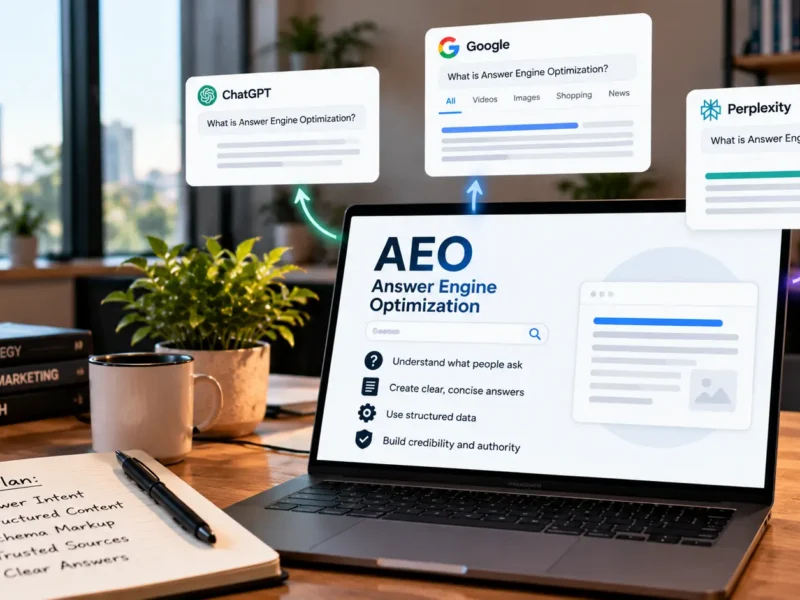
How to Optimize Content for AI Search
 By Techspeak Team
November 18, 2026
10 min read
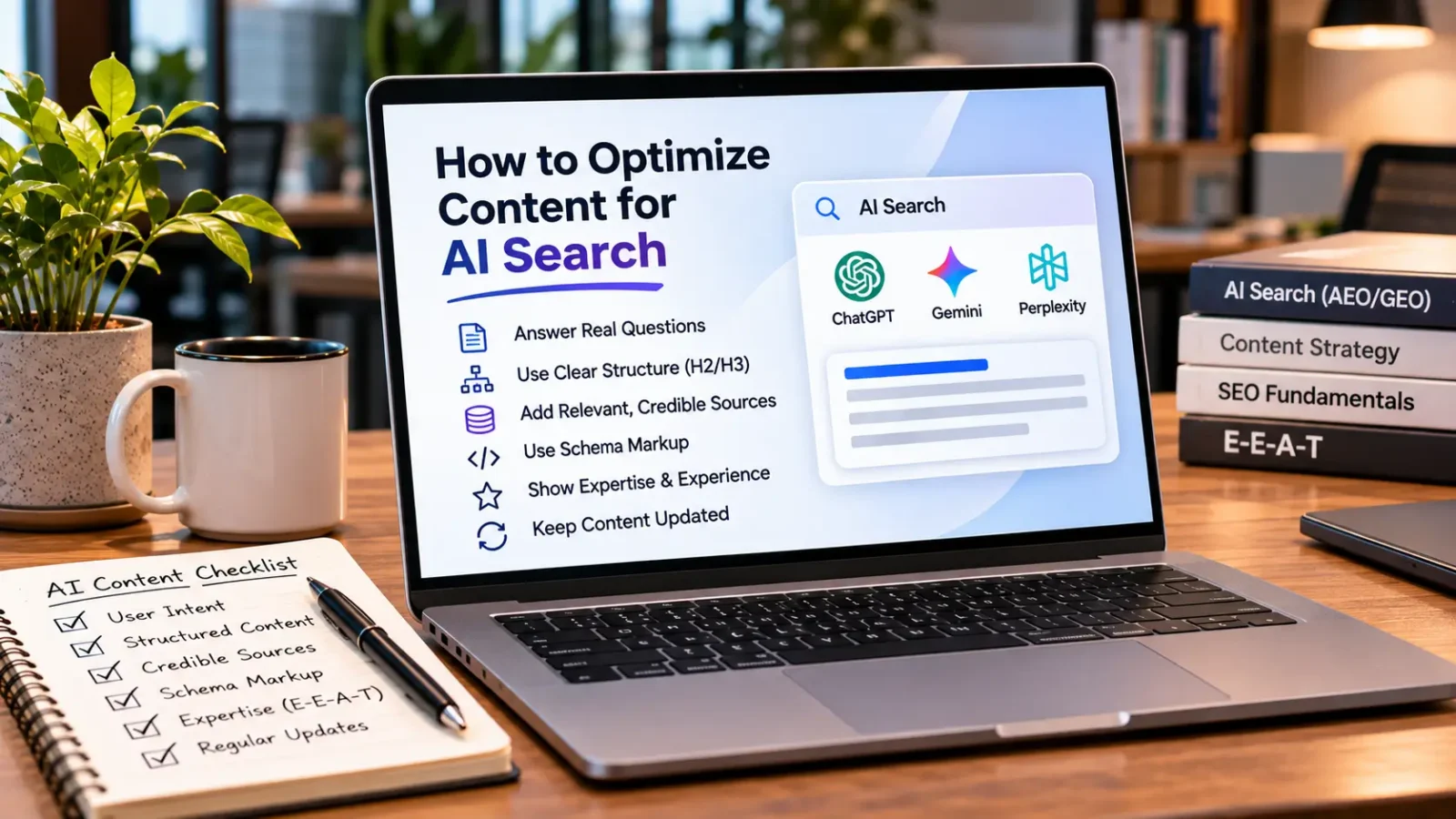
To optimize content for AI search, write each page around a real question, give the answer near the top, make every section understandable on its own, back claims with specific evidence and named sources, state clearly who you are and what you offer, keep the page current and make sure it can be crawled and read. These habits make your content easier for AI tools to understand and quote. They do not guarantee a mention.
AI tools like ChatGPT, Gemini and Perplexity read, summarize and sometimes cite web pages. Whether your page gets used depends on many things you cannot control, but the quality and clarity of the page itself is something you can. This guide is a practical, page-level how-to: what to do, in what order, with a checklist you can apply to your own site.
It focuses on writing and page structure. If you want the bigger strategy, including measurement and third-party mentions, see How to Get Your Business Mentioned by ChatGPT, Gemini & Perplexity.
How AI search uses your content
The details differ by tool and change often, so treat this as a general picture and check each platform’s documentation for specifics. In broad terms, AI search tools can read a page, pull out passages that answer a question, combine information from several sources and, in some products, show where it came from.
That has a practical consequence for writers: any section of your page might be read and used on its own, without the rest. So the goal is a page where each part is clear, accurate and complete enough to stand alone.
10 steps to optimize content for AI search
1. Start with the question
Every page should answer a specific question people actually ask. Find those questions in sales calls, customer emails, support tickets, search suggestions and “People Also Ask” boxes. Decide on one primary question per page, plus the follow-up questions a reader would naturally ask next.
2. Lead with the answer
Put a short, direct answer at the very top, in a sentence or two, before any background. Then expand. Readers get what they came for, and so do the systems summarizing your page. Our guide to what AEO is covers the answer-first principle in more depth.
3. Make every section self-contained
Write each section as if it might be read alone:
- Use a descriptive heading that states what the section covers
- Name the subject instead of relying on “it”, “this” or “as mentioned above”
- Define a term where you use it, not only once at the top
- Keep each section focused on one idea
4. Use formats that are easy to lift, where they fit
Numbered steps, bullet lists, short definitions, tables and FAQ blocks are easy to scan and extract. Use them when the content really is a list, a process or a comparison. Forcing everything into bullets makes writing worse.
5. Be specific and original
Generic content repeats what many other pages already say. Add what only you can: real examples, numbers from your own work, screenshots, first-hand observations, case details and honest limitations. Specific content is more useful to readers and gives AI tools a reason to use your page instead of someone else’s.
6. Back claims with evidence and named sources
State where facts come from, link to the source and show dates where they matter. Do not invent statistics or quotes. If you cannot support a claim, soften it or leave it out. Accuracy builds trust with readers and with the tools that summarize you.
7. State plainly who you are and what you offer
AI tools work better when your business is easy to identify. On key pages, say who you are, what you do, who you serve and where. Use the same business name and descriptions everywhere, including your about page, service pages and profiles.
8. Show authorship and expertise
Add an author byline with a short bio and relevant experience. For sensitive subjects such as health, finance or legal topics, consider adding a reviewer. People and systems both look for signs that content comes from someone who knows the subject.
9. Keep content current
Review your most important pages regularly. Update outdated facts, remove what no longer applies and show a “last updated” date. An old page with stale information is a weak source.
10. Make the page accessible and well linked
Check that important pages can be crawled and read, load reasonably fast and put key information in text, not only in images or scripts. Link related pages together with descriptive anchor text so the relationships between your topics are clear. Where appropriate, use structured data to describe the page. Search engines change which features they support over time, so check current documentation before relying on specific markup.
Anatomy of an AI-friendly page
| Page element | What to do | Why it helps |
| Title and H1 | State the topic and the question plainly | Tells readers and systems what the page covers |
| Opening answer | One or two sentences with the direct answer | The most useful part is easy to find and quote |
| Headings | Descriptive, often phrased as questions | Each section is clear on its own |
| Body sections | One idea each, concrete and specific | Passages can stand alone |
| Lists and tables | Use for steps, options and comparisons | Easy to scan and extract |
| Evidence | Examples, data, named sources, dates | Builds trust and originality |
| Author and business details | Byline, bio, clear description of who you are | Makes the source easy to identify |
| FAQ section | Real questions with plain answers | Covers follow-up questions |
| Internal links | Descriptive anchors to related pages | Shows how topics connect |
| Updated date | Visible and accurate | Signals the page is maintained |
Illustrative rewrite: a service page
This is a made-up example to show the difference.
Before: “We are a leading provider of innovative solutions, delivering excellence to clients across industries. Our passionate team combines experience with cutting-edge technology to help you achieve your goals.”
This says almost nothing a reader or a machine can use. It does not say what the business does, for whom or where.
After:
What does [Company] do? [Company] provides bookkeeping and monthly financial reporting for small retail businesses in [City]. We handle invoicing, expense tracking, payroll reports and year-end preparation, and we work with businesses that have between 1 and 20 employees.
Who is it for? Independent shops and small retail chains that want accurate monthly numbers without hiring a full-time accountant.
What do clients receive? A monthly report covering income, expenses and cash position, plus a short call to walk through it.
The second version names the service, the audience, the location and the deliverables. Any section can be read on its own and still make sense.
Which pages to optimize first
You do not need to rewrite your whole site. Start where buyers’ questions meet your offer:
| Page type | Why start here |
| Service pages | They answer “what do you do and for whom” |
| Pricing and cost pages | Buyers ask about cost early |
| Comparison pages | People ask “A vs B” before choosing |
| How-to and guide pages | They answer problem-stage questions |
| FAQ pages | They collect the questions people ask |
| About and author pages | They help systems identify who you are |
| Case studies | They provide specific, original evidence |
A page-level checklist
Run each important page through this list:
- ☐ The page answers one clear primary question
- ☐ The answer appears in the first sentences
- ☐ Headings are descriptive and each section can stand alone
- ☐ Lists or tables are used where the content really is a list or comparison
- ☐ Claims are specific, supported and, where needed, sourced
- ☐ The page includes at least one original example, detail or piece of evidence
- ☐ Who you are, what you do, who you serve and where are stated clearly
- ☐ An author byline and short bio are visible
- ☐ An FAQ answers the obvious follow-up questions
- ☐ Internal links use descriptive anchor text
- ☐ The page can be crawled, loads quickly and key content is in text
- ☐ A “last updated” date is shown and accurate
Common mistakes
- Burying the answer. Long introductions push the useful part out of sight.
- Writing only for keywords. Pages stuffed with phrases but short on substance help no one.
- Vague claims. “Industry-leading” and “innovative” say nothing specific.
- Unedited generic text. Content that repeats what everyone already says gives readers and AI tools no reason to prefer you.
- One page trying to cover everything. Split distinct questions into separate pages.
- No author, no date, no sources. These weaken trust.
- Key information only in images or videos. Add text so it can be read.
- Never updating. Stale pages lose value.
Can you use AI to help write this content?
You can use AI tools to brainstorm questions, outline pages and edit drafts. The risk is publishing unedited generic text. Content that merely restates what is already widely available adds little for readers or for the systems that summarize the web. If you use AI to help, add your own experience, examples and data, check every fact and put a named person behind the page.
How to check whether it is working
Rewriting pages is only half the job. Afterward:
- Re-run your set of buyer-style prompts on ChatGPT, Gemini and Perplexity and compare against your earlier results. See how to measure your brand’s visibility in AI search.
- Watch organic traffic and search appearance for the rewritten pages over several weeks.
- Note which changes you made so you can tell what helped.
Answers vary and changes take time to show, so look at trends, not single results. For a page-level view of how AI engines may read your content, you can also try an AI-visibility audit tool.
Want help optimizing your key pages? TechSpeak’s Generative Engine Optimization services build on SEO fundamentals. Book a 30-minute strategy call and we will look at where your pages stand.
Frequently asked questions
How do I optimize content for AI search? Write each page around a real question, answer it directly near the top, make each section stand alone, add specific evidence and named sources, state clearly who you are, keep the page current and make sure it can be crawled and read.
Do I need to write differently for AI than for people? Mostly no. Clear, specific, well-structured writing serves both. The main adjustments are putting the answer first and making each section self-contained.
Is AI-written content OK for AI search? It can be a starting point, but unedited generic text rarely adds value. Add original examples, check the facts and put a named author behind the page.
Does structured data help? It can help machines understand a page, but it is not a requirement and does not guarantee a mention. Check current search engine documentation before investing in specific markup.
How long should a page be? As long as it needs to be to answer the question well, and no longer. Clarity and completeness matter more than word count.
How often should I update content? Review important pages regularly, for example every few months, and sooner when facts, prices or services change.
Will this guarantee that AI tools mention my business? No. Nobody controls what AI tools show, and results vary between platforms and runs. These steps improve the quality and clarity of your pages, which supports your chances.
Ready to improve your pages?
Start with the page-level checklist above on your three most important pages. For the wider picture, read What Is Generative Engine Optimization (GEO)? and GEO vs SEO
Book a 30-minute strategy call with TechSpeak or contact us to talk about answer-ready content for your business.

Techspeak Team
Part of the Techspeak team, writing about SEO, GEO, local search and growth.